


Your business data could disappear tomorrow.
Last week, a coffee shop owner in Portland lost everything – customer lists, vendor contacts, and five years of accounting records. Gone. Their system was hit by ransomware, and their backups hadn’t run in months. They’re still trying to piece their business back together.
And this isn’t rare anymore.
Backups are not something you “set once and forget.” They break. They fail. They silently stop working, and you only discover the problem when your data is already gone.
I’ve seen companies lose entire customer databases because someone spilled coffee on a server. I’ve watched businesses shut down for days after a single hard drive failure wiped out critical files. One owner had to call 300 customers to explain that their personal information was simply gone.
The worst part? Most of these disasters were completely preventable.
Here’s what usually happens when things go wrong: Files get encrypted. Systems go offline. Attackers demand tens of thousands of dollars. Your team can’t work. Orders stop. Customers start calling. Every minute of downtime costs you money.
And suddenly, you are asking:
When did we last back up?
Where are those backups stored?
Can we even restore them?
That’s the moment you realize – hoping everything is fine is not a strategy.
This guide walks you through the data backup and disaster recovery services that actually work in 2026. No flashy marketing promises. Just proven tools that save businesses when disasters hit. We’ll keep it simple, skip the tech jargon, and focus only on what you need to protect your data, your customers, and your income.
Why You Can’t Ignore Backup and Recovery Anymore
Ransomware attacks keep getting nastier. Hackers don’t just encrypt your files anymore – they target your backups first.
Veeam’s 2025 report found that 69% of companies experienced at least one ransomware attack last year. That’s more than two out of three businesses.
People make mistakes, too. Accidentally deleting files, misconfiguring systems, or wiping the wrong database happens more often than you’d think. Studies estimate that human error accounts for nearly 30% of all data loss cases.
Hardware fails eventually. Servers die without warning. Even Amazon and Microsoft’s cloud services go down sometimes (rare, but it happens).
What It Costs When Everything Stops
Based on 2025 numbers, midsize companies lose $14,000 every minute their systems are offline. Bigger companies? Over $23,000 per minute. Do the math on a few hours of downtime. Ouch.
Money’s just the start, though. Customers bail. Regulators fine you for GDPR or HIPAA violations. Competitors swoop in while you’re stuck.
A real backup and recovery strategy answers one thing: when things break, how fast can you fix them?
What You Should Actually Look For
Not all backup services work the same way. Some rock at cloud workloads. Others handle on-site servers better. Plenty claim they do it all (spoiler: they don’t).
Focus on what matters:
Features That Count
Automated backups
If backups depend on someone remembering to click a button every day, they’ll fail. Get systems that run automatically.
Quick recovery
Two things: RTO (how long you’re down) and RPO (how much data you lose). Aim for RTO under 4 hours, RPO under 1 hour for important stuff.
Immutable backups
This kills ransomware threats. Immutable storage locks your backups down tight – nobody can delete or encrypt them. Not even hackers with full access.
Works everywhere
You’ve probably got AWS, Azure, Google Cloud, plus your own servers. Your backup solution needs to cover everything.
Restore specific items
Restoring your entire database to recover one file? Ridiculous. Granular recovery grabs exactly what you need.
Encrypted and compliant
AES-256 encryption keeps data locked down. Audit logs prove compliance when regulators come knocking.
Cloud, On-Site, or Both?
Cloud backup wins on convenience. No servers to maintain – vendors handle it all. But monthly bills add up, and big restores eat up bandwidth.
On-site backup gives you total control. Restores happen fast since everything’s local. Downside? You maintain the hardware and handle security yourself.
Hybrid backup splits the difference. Recent backups stay on-site for quick access. Everything syncs to the cloud for disaster recovery. Most businesses land here.
Questions about infrastructure? BigCloudy’s web hosting services can point you in the right direction.
Best Backup Services for 2026
These platforms deliver consistently. No hype – just solid performance.
JetBackup Cross-Platform Backup & Recovery
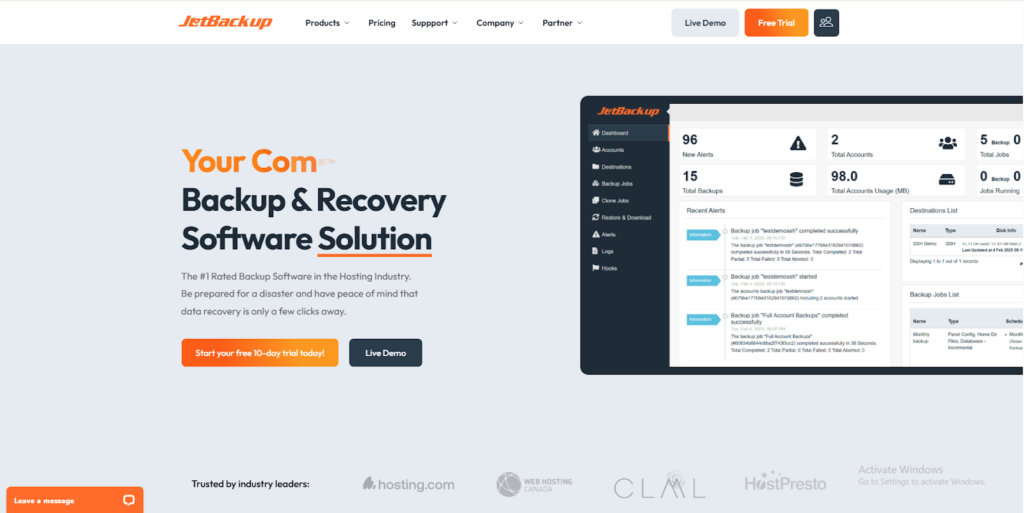
JetBackup dominates the web hosting backup space. cPanel, DirectAdmin, WordPress – JetBackup handles them all with self-service restores and incremental backups.
Why it works: Self-service functionality cuts support tickets by 70%; incremental backups save storage space by backing up only changed data; and it seamlessly works across multiple control panels and WordPress sites.
Best for: Web hosting providers, agencies managing multiple client sites, WordPress site owners, businesses running cPanel or DirectAdmin servers.
Veeam Backup & Replication
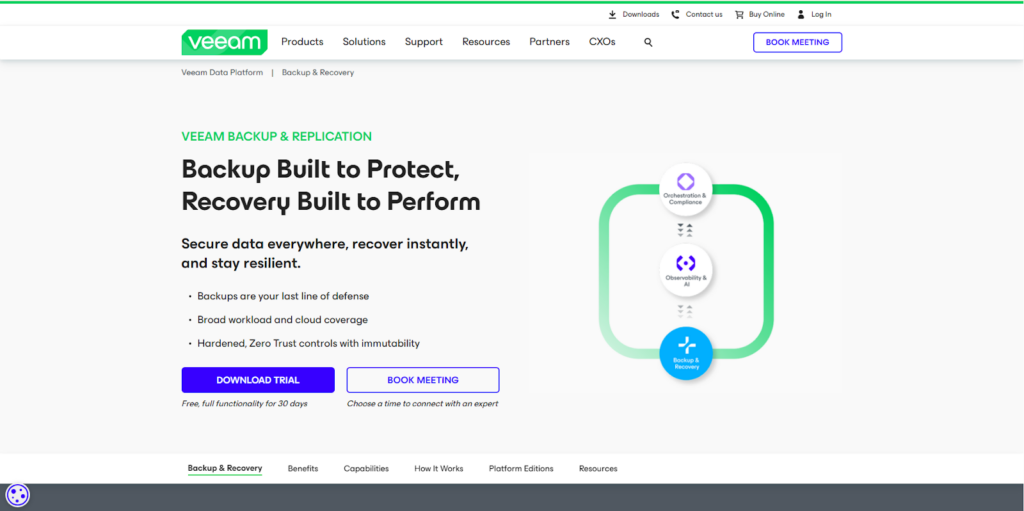
Veeam owns the virtual environment space. VMware, Hyper-V, Nutanix – Veeam handles them all with lightning-fast recovery.
Why it works: Deep VMware integration, bulletproof ransomware protection, covers AWS, Azure, and Google Cloud completely.
Best for: Medium to large companies running virtual infrastructure.
Acronis Cyber Protect
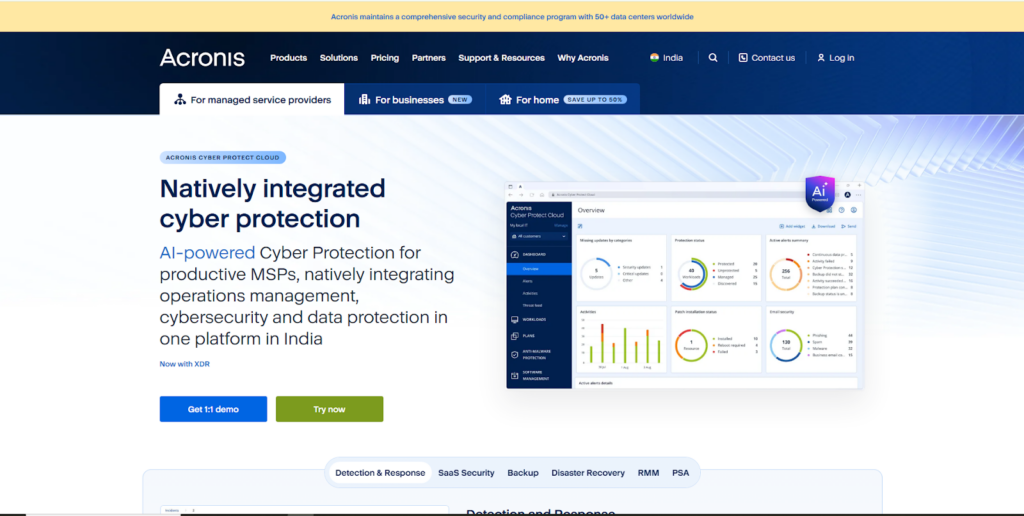
Acronis combines backup with security tools – anti-malware, endpoint protection, and vulnerability scanning. Everything in one package.
Why it works: AI spots ransomware early, blockchain verifies your data hasn’t been tampered with, handles physical and virtual servers, plus cloud workloads.
Best for: Small and midsize businesses, managed service providers.
Druva Data Resiliency Cloud
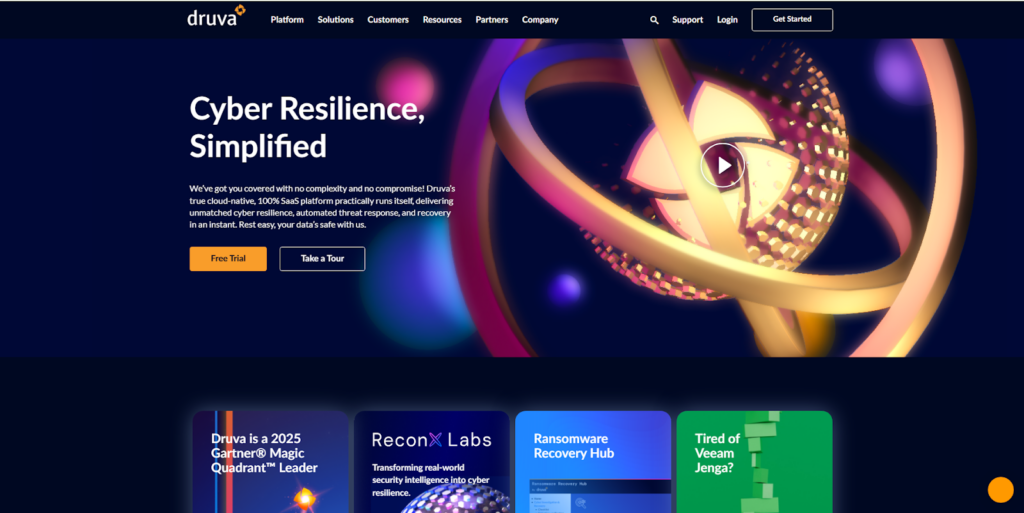
Druva runs entirely as software-as-a-service. Zero hardware to manage. Perfect for cloud-first teams.
Why it works: Built specifically for AWS, automated backup policies, air-gapped immutable storage blocks ransomware cold.
Best for: Cloud-native companies with remote teams.
Commvault Cloud
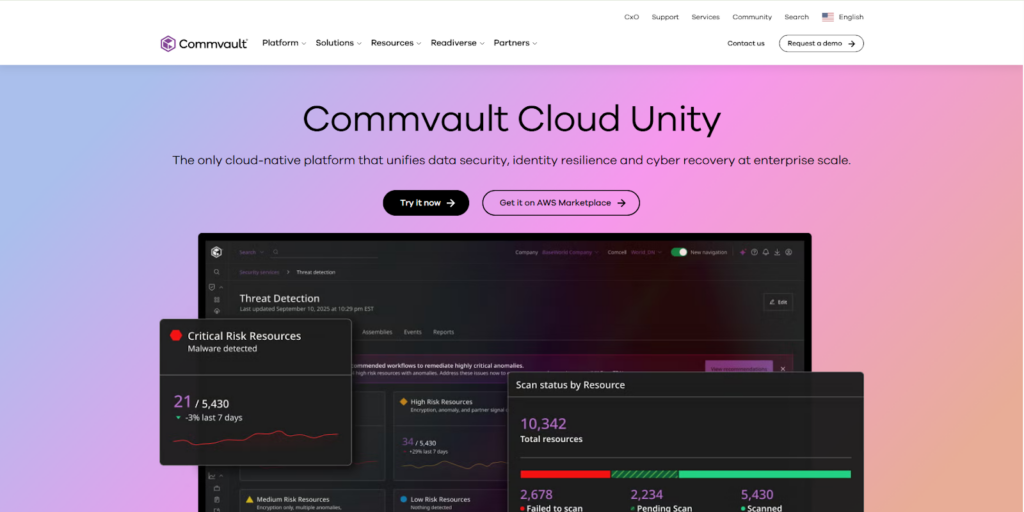
Commvault tackles enterprise complexity. Massive data volumes across hybrid and multi-cloud setups? No problem.
Why it works: Sophisticated data classification, legal hold features, tight Microsoft 365, Salesforce, and SAP integration.
Best for: Large enterprises dealing with strict compliance requirements.
Rubrik Security Cloud
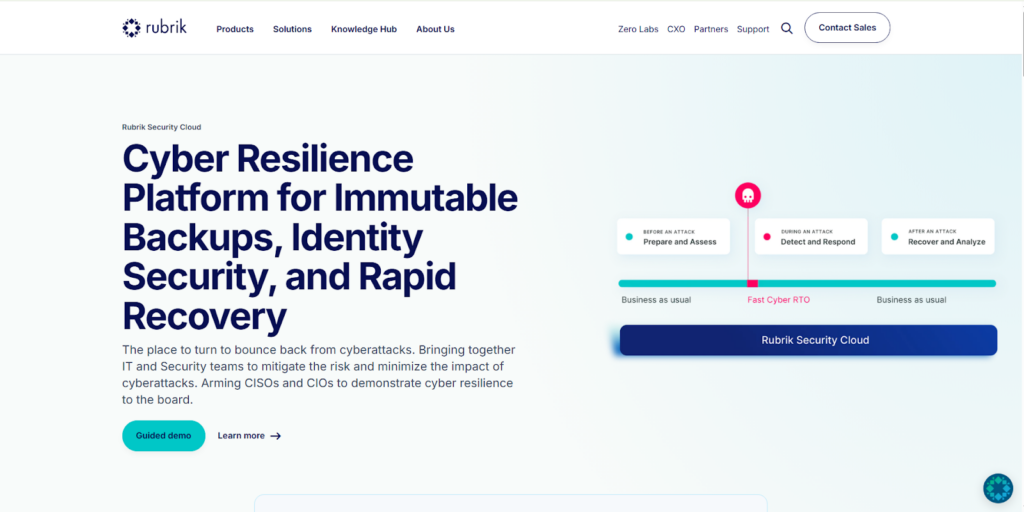
Rubrik simplifies backup across SaaS apps, cloud systems, and on-site infrastructure through one dashboard.
Why it works: Automatic threat detection, a zero-trust security model, and rapid mass recovery after ransomware attacks.
Best for: Multi-cloud companies with serious security needs.
Picking What Fits Your Business
Features don’t matter if the solution doesn’t fit how you actually work.
Small to Midsize Businesses
You need simple, affordable, automated. Probably no dedicated server backup admin on staff.
Must-haves:
- Automated daily backups running on their own
- One-click restore
- Fixed monthly pricing
- Microsoft 365 and Google Workspace support
Enterprises
You’re juggling hybrid environments, sensitive data, and audit requirements. Need enterprise security and 24/7 support.
Must-haves:
- Immutable backups with air-gapped storage
- Multi-cloud and hybrid coverage
- Compliance reports (GDPR, HIPAA, SOC 2)
- Dedicated account support with guarantees
Need a professional to look at your setup? BigCloudy’s team audits backup infrastructure.
Don’t Skip These Practices
Best tools in the world fail if you misuse them.
Test regularly: run full restore drills at least quarterly. Untested backups are worthless when you actually need them.
Use the 3-2-1 rule: 3 data copies, 2 storage types, 1 off-site. Not negotiable.
Encrypt everything: Backups hold your most sensitive information. AES-256 encryption always.
Automate monitoring: Alerts for failed backups catch problems early. Don’t assume everything’s fine.
Write down recovery steps: Document exactly what to do, who to contact, and where credentials live (stored securely).
More infrastructure security tips at BigCloudy’s blog.
Stop Waiting for Disaster
Backup and recovery sounds boring. Nobody celebrates it – until catastrophe strikes.
Reality check: every business loses data eventually. The question is whether you bounce back in hours or spend weeks rebuilding from scratch.
Veeam, Acronis, Druva, Commvault, Rubrik – all are proven options. Your job? Match one to your setup, budget, and risk tolerance.
Figure out what you can’t afford to lose. What data would destroy operations if gone? How fast must you recover? Then test relentlessly, automate ruthlessly, and monitor constantly.
FAQs
Backup copies your data somewhere safe. Disaster recovery covers your entire plan – backups plus failover systems, communication protocols, and business continuity steps.
Daily critical systems bare minimum. Mission-critical operations (online stores, healthcare) need hourly or continuous backups.
Absolutely – if backups share your network and aren’t immutable. Ransomware specifically hunts backup files now. Immutable and air-gapped backups stop this.
Running mainly AWS, Azure, or Google Cloud? Druva and Rubrik work great. Cloud-native design means no local hardware headaches.
Very secure when set up right. Reputable vendors use AES-256 encryption, zero-knowledge design, and multi-factor authentication. Check their SOC 2 and ISO 27001 certifications.